Free Printable Nice List Certificate from Santa
Type your child's name in the box below, choose the wording, and press Print certificate to get a free A4 Nice List certificate signed by Santa. It's made on your own device, so the name is never sent anywhere. Leave the name empty for a blank certificate to fill in by hand.
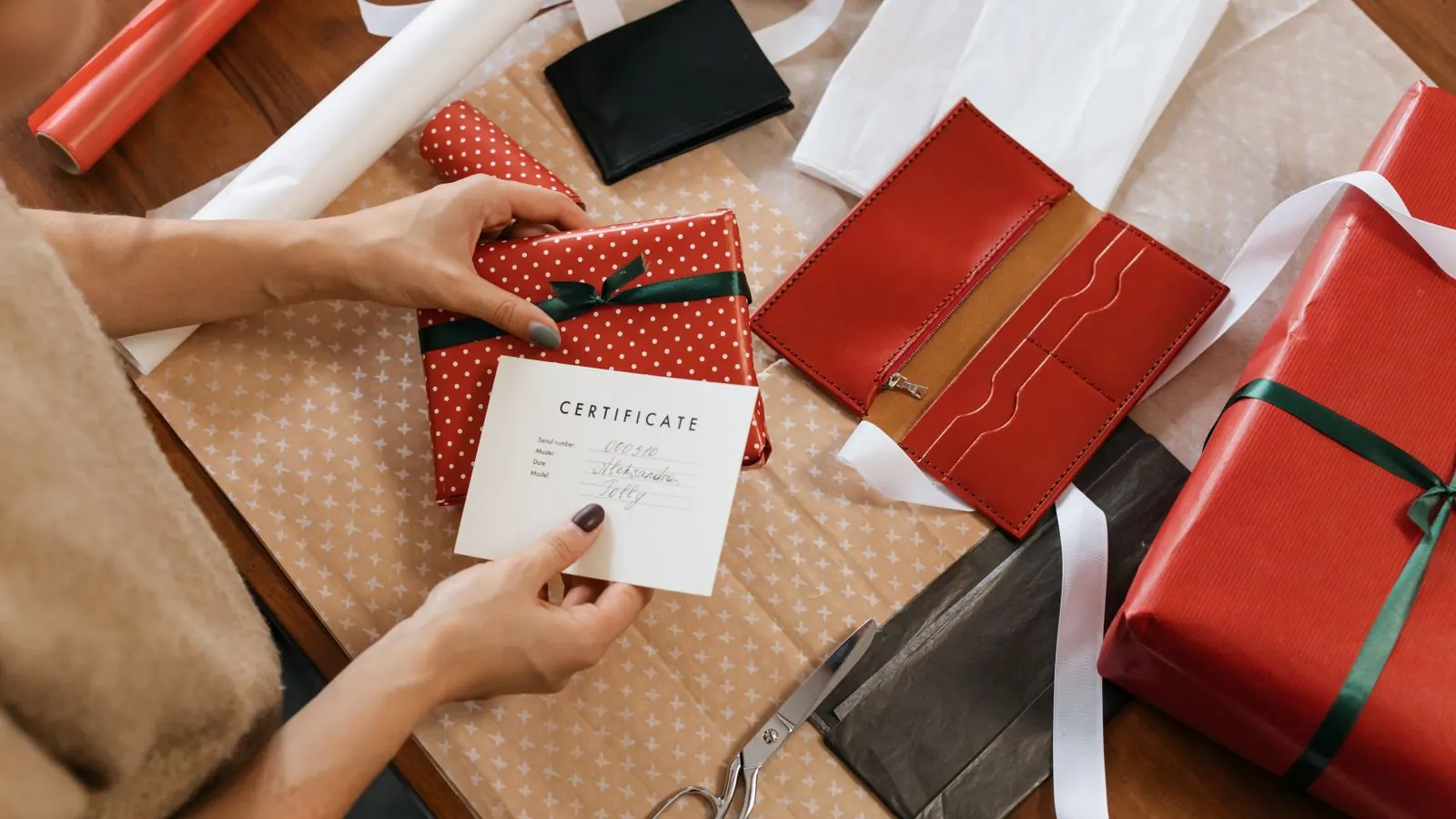
What it is: A printable A4 Nice List certificate from Santa with the child's name and a choice of wording.
How to use it: Type the child's name, pick the wording, then print or save as a PDF.
Ages: 3 to 10. Free, no sign-up, works on a phone, tablet or computer, and nothing typed leaves your device.
Preview. The printed certificate fills an A4 page.
Envelope preview, shown on its side so it fits the landscape page. Fold the certificate in half twice and it fits inside.
How do I make a free Nice List certificate?
Type the name, pick the wording, then press Print certificate. That's it: no sign-up, no email and no download to open.
- Type your child's first name (or first and last name) in the Child's name box.
- Choose Nice List or Good List, and add a reason line if you want one.
- Pick the date you want on it. It starts as today's date.
- Press Print certificate. Your printer settings open with only the certificate on the page.
The preview changes as you type, so you can check spelling before printing.
Can I save the Nice List certificate as a PDF?
Yes. Press Save as PDF and choose "Save as PDF" (or "Microsoft Print to PDF" on Windows) as the printer. On an iPhone or iPad, tap Save as PDF, then use the share button in the print preview to save it to Files. The PDF is A4 landscape, ready to print later or send to a grandparent, and it is made by your own browser, so nothing is uploaded.
Can I print an envelope for the certificate?
Yes. Under "What to print", choose Certificate and envelope for a second page with a fold-up envelope addressed to your child, complete with a North Pole stamp. Cut it out, fold the side flaps in, glue the bottom flap up, then fold the certificate in half twice to fit. For a certificate you want to keep flat, a plain A4 envelope does the job.
Can I print a blank Nice List certificate to fill in by hand?
Yes. Leave the name box empty and the certificate prints with a line where the name goes. Handwriting the name in gold or red pen makes it look more like Santa signed it himself, and you can print as many blank ones as you like for a class or a party.
What does the certificate say?
It says the child "has been checked twice by Santa and the elves and is officially on the Nice List" for this Christmas, with your chosen reason if you added one. It's signed by Santa Claus and by P. McJingles, Senior Auditor of Nice List Records, with a gold "Checked twice" seal and a record number made up on your device.
Choose Ink saver for a black and white version that uses far less printer ink.
When should the Nice List certificate arrive?
Any time in December works, and there's no wrong answer. Three easy moments:
- 1 December, to start the countdown, maybe tucked into the first door of an Advent calendar.
- A week or so before Christmas, as good news after a wobbly day.
- Christmas Eve, in a Christmas Eve box or next to the mince pie left out for Santa.
Rolling it up and tying it with a ribbon makes it feel like it came off Santa's sleigh.
Is there a Naughty List certificate?
We don't make one. A certificate telling a child they are naughty tends to land badly, so on this site every Naughty result on the Nice List checker comes with an easy way back, like doing three kind things before Christmas Eve. When they've done it, print this Nice List certificate as the proof.
Is my child's name sent anywhere?
No. The certificate is drawn by your web browser from what you type. The name is not sent to our server, not added to the web address and not recorded in analytics. See the privacy page for the details.