Letter to Santa Template: Free Printable (Colour or Black and White)
Pick a layout, choose "Dear Santa" or "Dear Father Christmas", and press Print template for a free A4 letter your child can fill in. There are fill-in prompts for younger children, plain lines for confident writers and a draw-your-wishes page, in colour or black and white to colour in. You can add a matching envelope addressed to Santa.
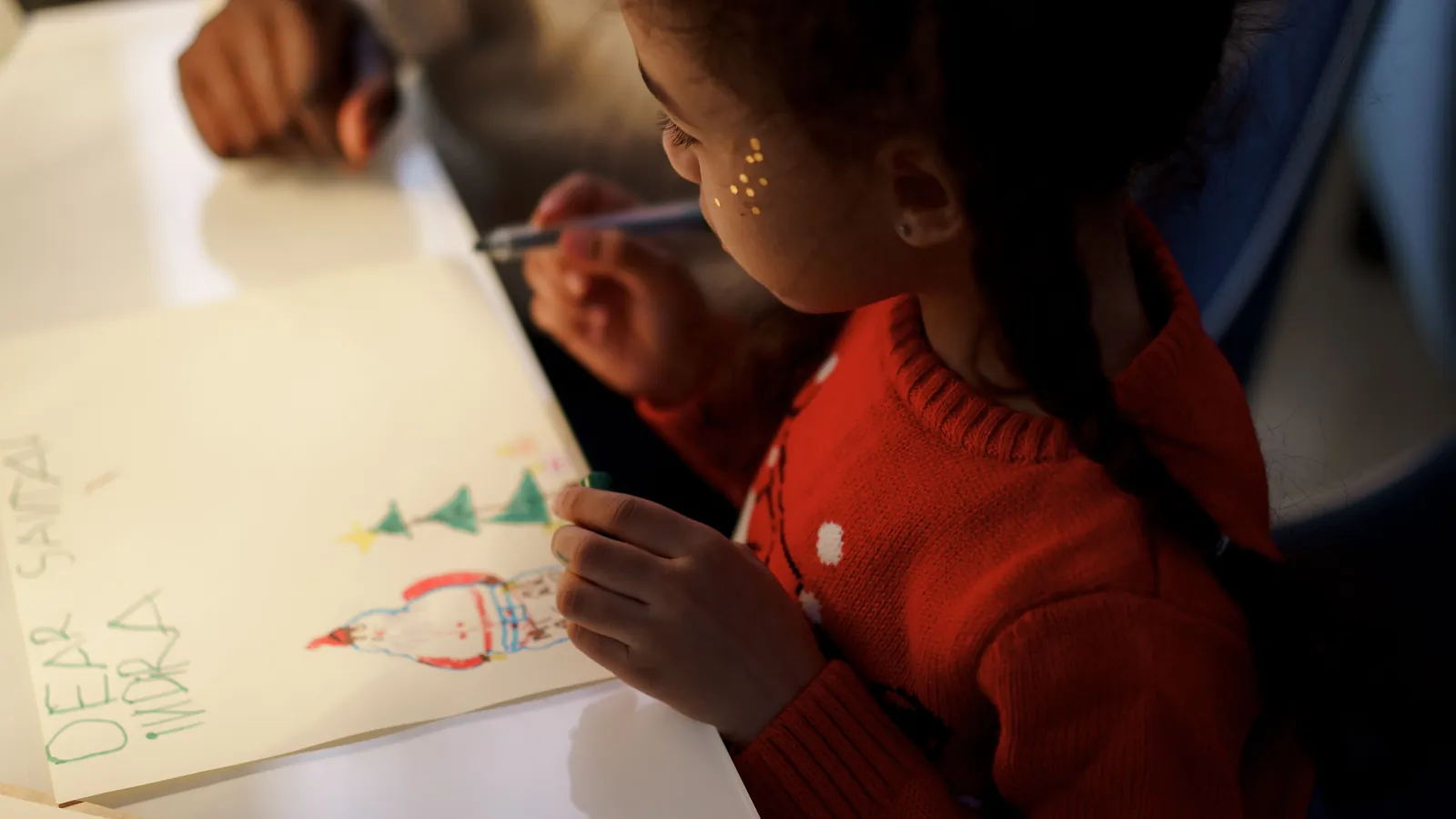
What it is: A printable letter to Santa or Father Christmas with fill-in prompts, lines or a draw-your-wishes space, in colour or black and white, plus an envelope.
How to use it: Pick a layout and colour or black and white, then print on A4.
Ages: 3 to 10. Free, no sign-up, works on a phone, tablet or computer, and nothing typed leaves your device.
Dear Santa,
Preview. The printed template fills an A4 page.
Envelope preview, addressed to Santa's UK address. Write your own address on the back flap, and add a stamp.
How do you write a letter to Santa?
Start with "Dear Santa" or "Dear Father Christmas", say who you are, share something good from the year, then list a few wishes and sign off. This template walks a child through each step. The fill-in prompts version asks for their name and age, why they've been good, something kind they did, three wishes, what they'll leave out on Christmas Eve, and a question for Santa.
- Pick the layout that suits your child's writing.
- Print it, then let them fill it in with pencils or felt tips.
- Add the envelope if you're posting it, or leave the letter by the fireplace or the tree for the elves to collect.
What should a child put in a letter to Santa?
Their name, something they're proud of from this year, a short wish list and a thank you. Three wishes is plenty, and it's a nice moment to add a wish for someone else, like a grandparent or a friend. Children also love asking Santa a question ("What does Rudolph eat for breakfast?"), which is why the prompts version leaves a line for one.
If you're posting it to Royal Mail, include your full home address and postcode in the letter itself so a reply can find its way back.
Is there a black and white letter to Santa to colour in?
Yes. Under "Colours", choose Black and white, to colour in. The tree, star, presents, bauble and holly print as outlines, and so does the "Dear Santa" heading, so your child can colour the whole page before writing. It also saves ink.
Where do you send a letter to Santa in the UK?
Royal Mail has run a letters-to-Santa reply service in recent years, using the address Santa/Father Christmas, Santa's Grotto, Reindeerland, XM4 5HQ. Letters need a stamp and the child's full address inside. Royal Mail confirms the address and rules each year, so check its website before posting, or see our page on Santa's address in the UK.
When should you post a letter to Santa?
Post it by late November or the first days of December to be safe. In recent years Royal Mail's last date for a reply has fallen in early December, and the exact 2026 date is published on its website. If the date has passed, your child can still write the letter and leave it by the fireplace on Christmas Eve for Santa to collect.
Can I print an envelope for the letter to Santa?
Yes. Choose Letter and envelope under "What to print". The envelope is addressed to Santa's Grotto, Reindeerland, XM4 5HQ, has a dotted box for the stamp, and has lines on the back flap for your own address. Cut it out, fold the side flaps in, glue the bottom flap up, then fold the letter in half twice to fit. Use a good glue stick so it survives the post.
Can I save the template as a PDF?
Yes. Press Save as PDF, then choose "Save as PDF" as the printer. You get one A4 page (two with the envelope) that you can print again for brothers, sisters or a whole class. The PDF is made by your own browser and nothing is uploaded.
Is my child's name sent anywhere?
No. If you type a name, it's drawn onto the page by your web browser and nowhere else. It isn't sent to our server, added to the web address, saved or recorded in analytics. You can also leave it empty and let your child write their own name, which most of them prefer. More on the privacy page.